
ERP for Builders & Developers
ERP Software for Builders and Developers by Onsite
Building Project Management Software for every tower and phase
Track progress across every tower, control budgets before overruns happen, and give clients real updates — all from one platform built for builders.
Request Free Demo
View Pricing
4.8/5 rated by 10,000+ construction companies
The Basics
What is ERP software for builders and developers?
In short
ERP software for builders and developers is one system that connects a real estate project’s planning, site work, purchasing, contractors, labour, finance and buyer updates. Instead of separate spreadsheets, registers and accounting files, every tower, phase and site works from one live record, so builders see cost, progress and cash flow as they happen.
- Also called
- Builder ERP
- Home builder ERP
- ERP for construction developers
- Real estate construction ERP
What it covers for a builder
Five areas that usually sit in separate files and apps.
Project, tower and phase planning
Schedules, Gantt charts, BOQ and budgets set up tower by tower and phase by phase, with progress updated from site every day.
Project planningProcurement and materials
Purchase requests, approvals, purchase orders, goods received and stock across every site, so material is ordered once and tracked until it is used.
ProcurementContractors and labour
Work orders, measured quantities, subcontractor bills, and labour attendance with GPS or face check-in, linked to payroll.
SubcontractorsFinance and accounts
Every bill, expense and payment posts to the project budget and P&L, and syncs with Tally or Zoho Books, so accounts and site see the same numbers.
Tally integrationBuyer and investor updates
Progress photos, milestones and reports shared from site data, so buyers and investors stay informed without daily follow-up calls.
Progress tracking
- Used by
- Owners and directors
- Project managers
- Site engineers
- Purchase teams
- Accounts teams
- Sales and CRM teams
Who It’s For
Built for Every Type of Builder and Developer
From a single apartment tower to a multi-phase township, Onsite works as ERP for home builders and real estate developers of every size, with the same live record from site to accounts.
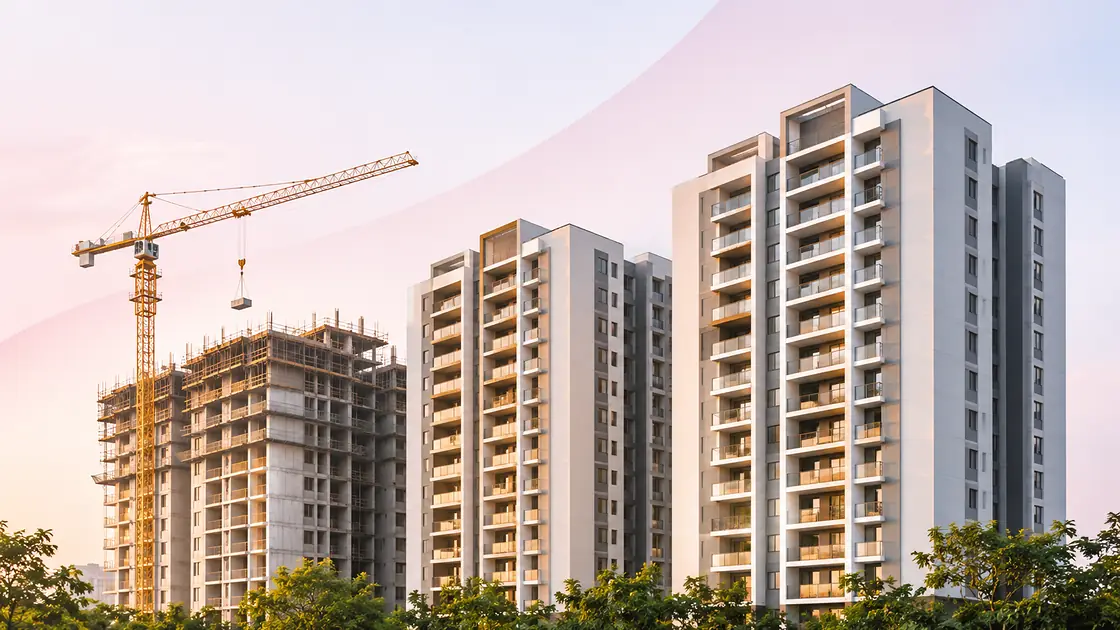
Residential Apartments and High-Rises
Track every tower floor by floor, with BOQ and budget per tower, slab-wise progress from site, and progress updates that buyers can actually see.
- Tower and floor progress
- BOQ per tower
- Buyer updates

Villas, Row Houses and Plotted Developments
Many small units built at once. Set up each villa, cluster or phase on its own, with its own progress and costs, and still see the whole layout in one view.
- Unit-wise tracking
- Material per unit
- Parallel crews

Commercial and Mixed-Use Projects
Offices, shops and malls with heavier MEP and many contractor packages. Control work orders, measured bills and multi-level approvals across every subcontractor.
- Work orders
- Measured billing
- Multi-level approvals

Townships and Large Layouts
Roads, drainage, utilities and buildings run side by side. Keep budgets and P&L by phase, with one consolidated view for the whole township.
- Phase-wise budgets
- Infrastructure works
- Company-level view
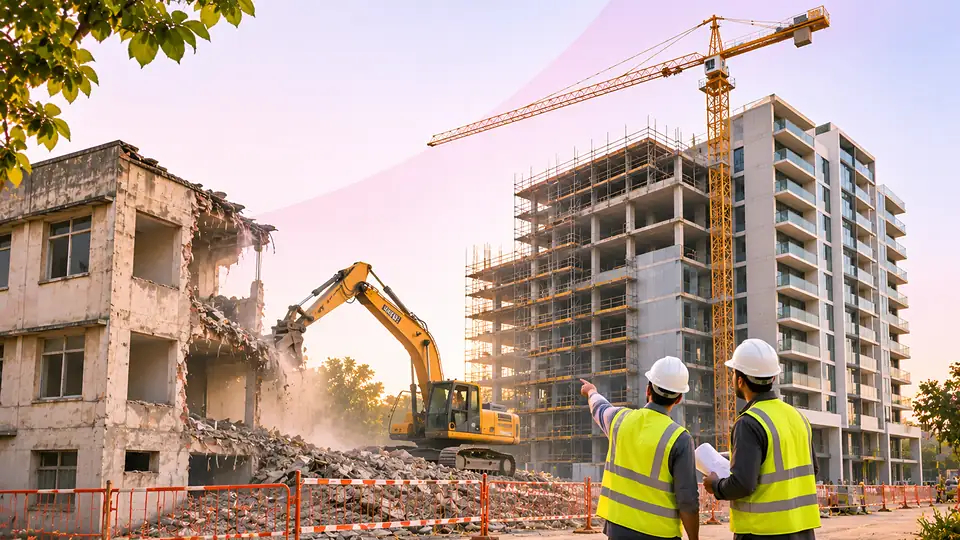
Redevelopment Projects
Demolition, rebuilding and handover back to existing members. Stage-wise milestones and geo-tagged progress photos keep every stakeholder updated.
- Stage milestones
- Geo-tagged photos
- Stakeholder updates
And for every size of builder
- 1 to 2 projects
Small builders
Start on the mobile app with daily site reports, attendance and expenses, then add modules as the business grows.
- Several projects and towers
Mid-size developers
Add procurement, subcontractor billing, budgets per tower and Tally or Zoho Books sync, with every site in one dashboard.
- Projects across cities
Multi-city developers
Company-level view across cities and phases, with multi-level approvals and role-based access for every team.
The Problem
Why Builder Projects Lose Money
Every builder faces the same problems. Most accept them as normal. They are not.
Tower A · Cost TrackerExcel · last saved Apr
Civil Work₹80L₹1.04Cr
Finishing₹42L₹61L
Labour₹36L₹44L
Overrun · found at handover₹47L
With Onsite
Budget vs actual updates with every bill
Civil Work · month 2104% · alert sent
Budget Overruns Found After Handover
Budgets are prepared once and never updated. By the time the overrun surfaces, the project is already done. There is nothing left to fix, only money already lost.
Construction budgeting & cost control softwareASAnil Sharma · Client12 missed calls today
What is the slab status?Unanswered
When is handover?9:42 AM
Send me progress photos3 days late
With Onsite
Progress update sent on WhatsApp
7th floor slab · 6 site photos
Client Calling for Updates Every Day
Property buyers and investors have zero visibility into what is happening on site. Every update requires a call, a photo search, and a manual summary, pulling the PM away from actual work.
Construction progress tracking softwareBill · Ramesh CivilNo verification
Claimed4,200 sq ft
Actual on siteUnknown
Approved & paid₹2.94L
With Onsite
Bill held to measured quantity
Measurement book3,140 sq ft
Payable₹2.20L
Subcontractor Billing Exceeds Actual Work
Subcontractors bill for more work than was executed. Without quantities linked to bills, overbilling passes undetected. Disputes happen after payment, when money is already spent.
Subcontractor management softwareSite Register · Tower B · Day 18Manual
Rajesh Kumar · MasonOff-site
Suresh · HelperNot verified
Ahmed · PainterMarked absent
Payroll calculatedWrong data
With Onsite
GPS + face check-in only
Payroll from verified days48 / 52 verified
Labour Attendance Unverified Across Towers
Supervisors mark registers manually. Workers who were never on site get counted. Payroll disputes follow every month, but by then the wages are already out the door.
Construction labour management softwareNo Live P&L View Across Phases and Towers
Project cost is visible only after every bill is in, usually after handover. A ₹38L overrun that built up over six months shows up as one number at the end, with no point where action was possible.
Construction financial management softwareProject Cost · Skyline Heights · Tower B₹38L found in Nov
With Onsite · Live P&L
Apr → Nov · every bill countedDrift flagged in May
These five leaks drain builder margins long before handover. Onsite’s ERP software for builders closes each one in a single platform.
See how Onsite fixes it ↓
How Onsite Solves It
One Platform. Every Problem Fixed.
Budget, progress, subcontractors, labour, and finance, connected in one system so nothing slips through.
Onsite is ERP software for builders and construction developers: one live record for every tower, phase and site, from the first slab to handover.
Onsite
Skyline Heights · Wakad · 3 towers
Live
65%of ₹4.80 Cr used
One site entry updates every moduleattendance · bills · budget · P&L · client
1Budget per tower
Tower A
89%
Tower B
+8%
Spent₹3.12 Cr
2Client update
Slab 7 complete✓✓ Sent
Calls needed0
3Bill vs measured
4,200
3,140
sq ft · held₹74K saved
4Verified attendance
GPSFace ID
On site today48 / 52
5Live P&L · all towers+₹11.2L
AprMayJunJulAugSepOctNov
1
Live Budget vs Actual Per Tower
Every bill, labour cost, and material expense flows into the budget automatically. See overruns the day they happen, not six months later at handover.
BOQ software for construction
2
Clients See Updates Without Calling You
Progress photos, milestone completions, and cost summaries reach clients automatically. Your PM stays on site. Disputes drop. Trust builds.
Client invoicing software
3
Bills Matched to Measured Work
Site engineers enter measured quantities. Bills are auto-compared before approval. Overbilling is caught before payment, not after a dispute weeks later.
Vendor billing software
4
GPS and Face ID Verified Across All Towers
Every worker punches in with GPS or face recognition. Payroll runs automatically on verified attendance. Ghost workers are gone. Salary disputes disappear.
Payroll software for construction
5
Live P&L Across Every Phase and Tower
Every expense flows into a live P&L the moment it is recorded. See profit and loss per tower, per phase, and across the full project in real time. No month-end wait, no handover surprises.
Reports & analytics softwareERP for home builders, tower developers and multi-site builders. Every module works from the same site data, and your accounts sync with Tally.
See Onsite pricing
From Possession to Sales
Build with Onsite. Sell with Vastu AI.
Onsite runs your towers until they are ready for possession. Vastu CRM, from the makers of Onsite, takes over the sales, with an AI pre-sales bot that answers every WhatsApp enquiry in seconds, day and night.
One team behind your construction ERP and your real estate CRM, so builders and developers get the same support from first slab to last flat sold.
- 1Build with Onsite
- 2Vastu AI answers on WhatsApp
- 3Hot lead in Vastu CRM
Replies in seconds, 24×7
At 2 pm or 2 am, in English or Hindi, on your own WhatsApp Business number. Enquiries from ads, your website and property portals get an answer before the buyer calls another builder.
Knows your project, books site visits
It knows your project prices, sizes, brochures, floor plans and video links, then books site visits at your visit hours with a Google Maps link and a sales rep assigned.
Hot, Warm or Cold, with a summary
Every lead is rated with a short summary in Vastu CRM, so your sales team calls the Hot ones first. Discounts and negotiation always stay with your team.
Already on Onsite? Add Vastu CRM and its AI pre-sales bot when your towers are ready to sell, and keep construction and sales with one company.
Platform Features
Everything Builders Need. One Platform.
From the first tower plan to the last flat handed over, Onsite’s ERP software for builders and developers follows every stage of a real estate project.
A home builder ERP and an ERP for construction developers in one: site teams, buyers, consultants and accounts all work from the same record.
- 01Plan
- 02Sell and update
- 03Design
- 04Build
- 05Hand over
01PlanProject Execution
Deliver Projects On Time and Within Budget
Time and cost control are critical for builders and developers. Onsite’s project scheduling, Gantt charts, and cost-tracking tools enable you to set deadlines, monitor progress, and avoid budget overruns. Break each project into towers, floors and phases, so you see which tower is slipping before it pushes back possession.
- Instant Updates
- Visual Documentation
- Task and Progress Tracking
Skyline Heights / Towers and phasesSearchAD
Overall progress78%↑ 6% this month
Towers3Phase 1 + Phase 2
Possession targetMar 2027Tower B 6 days behind
Slab progress by towerDoneIn progressDelayed
Tower A9/12 slabsPhase 1
Tower B7/12 slabsPhase 1
Tower C3/12 slabsPhase 2
Tower ASlab 10 pour · Fri
Tower BSlab 8 · 6 days late
Tower CSlab 4 shuttering
Next milestoneTower A topping out
Tower B slippingPossession at risk · alert sent to project head
02Sell and updateClient Transparency
Enhance Client Communication and Transparency
Keep property buyers, investors, and stakeholders informed on every stage of the construction process without the need for constant follow-ups. With Onsite’s ERP software for builders and developers, real-time updates, progress photos, and milestone tracking are instantly visible to all authorized users.
- Real-time updates shared automatically
- Progress photos with geo-tag and timestamp
- Milestone tracking visible to all stakeholders
9:41
OFlat A-904Skyline Heights · buyer viewShared
ProgressPhotosDocuments
78%Tower A · structureOn schedule
FoundationStructureFinishingPossession
Latest photosGeo-tagged
Buyer and investor updatesThis week
Slab 9 photos · Tower ASent to 112 buyers on WhatsAppDelivered
Monthly progress reportInvestors · Phase 1PDF
Milestone: structure G+9Shown in every buyer viewLive
Buyer calls this weekdown from 40+ before Onsite0 needed
03DesignDrawings and Approvals
Keep Architects, Consultants and Site on the Same Drawings
Builders work with architects, structural consultants and MEP designers at the same time. Keep every drawing and revision in one register, so the site team always builds from the latest approved version, not from an old printout.
- Drawing register for every tower
- Revision history with approval status
- Latest drawings available on site
Skyline Heights / DrawingsSearchAD
Drawings148across 3 towers
In review4with consultants
Updated this week11site notified
A-101 · R4Latest
| Drawing | Title | Rev | Status |
|---|---|---|---|
| A-101 | Tower A typical floor plan | R4 | Approved |
| S-208 | Slab 8 reinforcement | R2 | In review |
| M-310 | Plumbing riser, Tower B | R1 | Approved |
| A-101 | Tower A typical floor plan | R3 | Old rev |
04BuildSubcontractor and Resource Management
Subcontractor Work Tracking
Get quick updates of work done and work orders of subcontractors. Every bill is matched to measured quantities before payment goes out, protecting your margins on every work order. Get to know what material is coming on site and what is going out. GPS attendance and face recognition eliminate ghost workers and payroll disputes across every tower.
- Assign everyday tasks
- Manage Sub Contractors work order
- Track the in and out of raw material
- Get labour attendance and generate salary slips
- Manage material warehouse
Skyline Heights / Contractors, labour and storesSearchAD
Present today247GPS + Face ID
Active work orders6across 3 towers
Saved this month₹4.2Lbills held to measured qty
| Subcontractor | Measured | Billed | Status |
|---|---|---|---|
| RCRamesh CivilWO #14 · Tower A | 3,140 | 3,140 | Approved |
| SESuresh ElecWO #09 · Tower B | 1,860 | 2,050 | In review |
| APAhmed PaintWO #17 · Tower A | – | 2,400 | Pending |
Stock · all towers
+120 bags · GRN-388TMT 12mm4.2 MT
CementLow
River Sand18 loads
05Hand overQuality and Handover
Hand Over Flats Without Last-Minute Snags
Inspect every flat with checklists before possession. Snags are logged with photos, assigned to the right contractor and closed on site, so buyers walk into finished homes and handover dates hold.
- Flat-wise inspection checklists
- Snags logged with photos and owners
- Handover readiness for every tower
Skyline Heights / Quality and handoverSearchAD
Flats inspected46of 60 in Phase 1
Open snags185 due this week
Ready for possession32↑ 9 this month
Snag listPhoto per snag
A-904 · Kitchen tile groutAhmed Paint · due ThuOpen
A-905 · Balcony railing finishRamesh Civil · fixed todayClosed
B-702 · Bathroom slope checkSite engineer · re-inspectIn review
Flats ready by tower
Tower A24/30
Tower B8/30
Tower C0/30
Possession letters go out only for flats with zero open snags.
One ERP for builders, from launch to possession. Every stage above shares the same live project data.
Works With Your Tools
Replace 6 Tools With One.
Tally, WhatsApp, Excel, GPS: Onsite connects with what you already use and replaces what was slowing you down.
For builders and developers, that means one ERP for site teams, buyers, contractors and accounts, instead of spreadsheets, registers and chat groups that never agree.
Onsite replaces
- Budget spreadsheets in Excel
- Paper attendance registers
- Scattered WhatsApp photo groups
- Daily buyer follow-up calls
- Measurement notebooks
- Loose bill files and scans
Onsite connects withAll integrations
- Tally
- Zoho Books
- GPS
- Face ID
- PDF Reports
6+Tools Onsite replaces or connects
10,000+Construction companies running on Onsite
3 daysAverage time to go live
Customer Reviews
What Builders and Developers Say About Onsite
Real feedback from developers and construction companies using Onsite’s ERP for builders on live projects across India and the Middle East.
4.8Based on 10,000+ construction companies
Budget Visibility4.9
Client Reporting4.8
Labour Tracking4.9
Subcon Control4.8
Rated by builders across India and the Middle East
Developer
Decisions based on real execution, not reconciled spreadsheets
We were searching for construction software where reports actually match site activity. Since using Onsite, project data and cost records remain consistent. Report analysis is clearer, and decisions are based on real execution instead of reconciled spreadsheets.
Mr. AnveshBhavya Developers, Andhra Pradesh · Building
Design and Build
Client discussions became easier once we stopped guessing
We were looking for construction management software that could help us share clear project updates with clients. With Onsite, all the progress and cost details are visible in one place. Client discussions became much smoother because we were talking with actual site data instead of estimates.
Mr. Manish KumarReidius Infra, Jaipur · Design and Build
Civil Construction
We stopped discovering overruns after handover
We needed software to track construction expenses and control project costs. Onsite helped us monitor spending at activity level instead of discovering overruns later. As a construction ERP, it brought financial visibility much closer to daily execution on site.
Mr. Hiren PatelDCC, Mumbai · Civil Construction
Building Construction
Reports that actually match what happened on site
Earlier, sharing reports with clients and vendors required manual effort every time. With Onsite, we generate and share structured PDF reports directly from project data. It works reliably without any confusion between site numbers and office numbers.
Mr. Mohammad TaqiHydro Master, Qatar · Building Construction
FAQ
Questions Builders Ask Before Starting
Straight answers about Onsite’s ERP software for builders and developers: towers and phases, buyer updates, billing, integrations, mobile use and pricing.
01Does Onsite work for multi-tower and multi-phase projects?
Yes. Onsite is built for multi-tower and multi-phase projects. You can create separate project structures for each tower or phase, track budgets and progress independently, and view a consolidated P&L across all of them in one dashboard. Builders running G+12 and above with multiple blocks use Onsite to manage each tower separately while keeping a single view at the company level.
02How does Onsite prevent subcontractor overbilling?
Site engineers enter measured quantities against each work order before a bill is approved. The system compares the subcontractor’s claimed quantity against the measured quantity and flags any discrepancy. Bills only move to payment after a multi-level approval. This process has helped builders catch overbilling worth lakhs before payment goes out.
03Can property buyers and investors see project progress?
Yes. You can share milestone progress, photos, and cost summaries with clients through a structured PDF report or a shared access view. Updates are generated automatically from site data, with no manual compilation. This eliminates the daily calls and builds client trust without adding work to your project manager.
04Does Onsite integrate with Tally and Zoho Books?
Yes. Onsite has direct integrations with both Tally and Zoho Books. Bills, expenses, and payments recorded in Onsite can sync automatically to your accounts software, eliminating double entry. The integration is available as an add-on and can be configured during onboarding.
05How long does it take to go live on Onsite?
Most builder companies go live within 3 days of signing up. The onboarding process covers account setup, adding projects and team members, and role-based training for your site engineers, project managers, and accounts team. A dedicated onboarding manager is assigned to guide your team through the process at no additional cost.
06Does Onsite work on mobile at the construction site?
Yes. Onsite is mobile-first. Site engineers submit DPRs, record attendance, update task progress, and raise material requests directly from their phones. GPS attendance works offline and syncs when connectivity is restored. The app is available on Android and iOS and is designed for use in low-network conditions common on construction sites.
07Can I track project P&L in real time across all towers?
Yes. Every expense (material, labour, subcontractor, and equipment) flows into a live P&L the moment it is recorded. You can view profit and loss per tower, per phase, or across the entire project in one dashboard. There is no waiting for month-end or reconciliation: the numbers update in real time as your team works.
08What is the pricing for builders and developers?
Onsite starts at Rs 12,000 per user per year on the Business plan, with a minimum of 3 users. The Business+ plan at Rs 15,000 per user per year includes advanced BOQ, procurement, warehouse, and payroll features. Enterprise pricing is available for larger companies with custom requirements. All plans include a dedicated onboarding manager and no credit card is required to start.
Still have a question about your project?Our team will walk you through Onsite with your own towers and phases.Talk to our team →
Get Started Today
You Focus on Scaling. Let Onsite Do the Hard Work.
Join 10,000+ construction companies running their projects on Onsite. Go live in under 3 days with a dedicated onboarding manager.
- No credit card required
- Go live in under 3 days
- Dedicated onboarding manager