
How to train busy site teams without disrupting work?
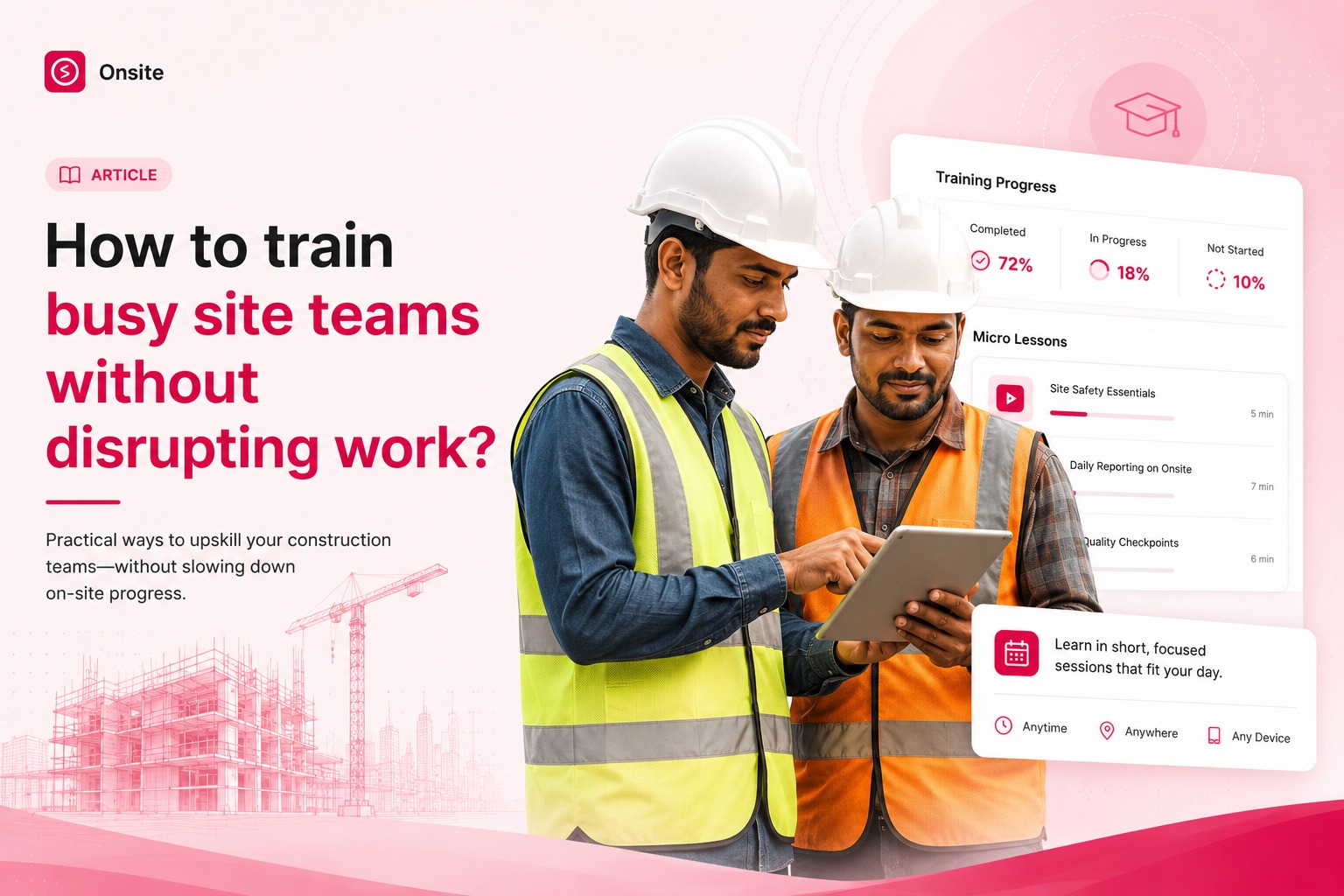
Your site team isn’t resisting construction software because they dislike it – they’re resisting interruptions. On-the-job construction software training isn’t easy, but Onsite simplifies it.
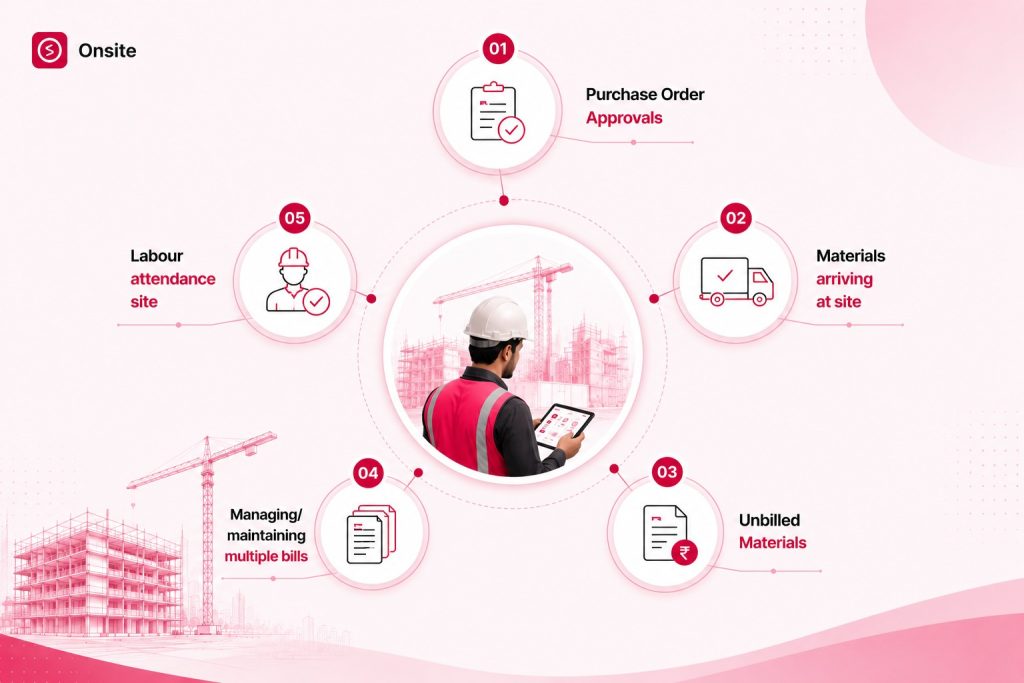
When there are too many tasks and materials at play, learning something new, especially when it’s technology, seems a little too tedious and tiring for site managers. There’s plenty to manage
- Purchase Order Approvals
- Materials arriving at site
- Unbilled Materials
- Managing/maintaining multiple bills
- Labour attendance site
With too many tasks to juggle, Construction Management Software comes in as a savior of time and boosts productivity simultaneously. Before diving into how to get site teams onboard with Construction Management software, let’s first understand the core problem: why training is vital for site teams and who they resist?
Why is it super important to train site teams compared to office teams?
The office team carries out its operations from their office. They are responsible for creating BOQs, handling communications with the client, assessing DPRs, managing investments, financials, and more. However, the site team has more crucial elements at play. They are responsible for monitoring the whole construction process, from laying the foundation to painting walls.
We can say that the site team is the heart of the construction process. The site manager creates Purchase Order for the materials required to commence work at site. They oversee how many labourers are coming to site every day, how many hourly shifts they are working, marking their attendance, safety equipment, giving their daily wages, expenses for food and travel and more. Additionally, maintaining a record of all the stock that’s been used to carry out a task, how much stock remains at the end of the day and the stack of bills to hand over to the accounts department.
Since site teams play a pivotal role in managing multiple accepts, training them becomes paramount. Without their training, it is near impossible to achieve project efficiency with construction management solutions.
Why Site Teams Resist Software When the Workday Is Already Full?
What happens when we are in the middle of a task and someone asks to learn or use a new gadget? We resist, naturally. Acceptance of something foreign doesn’t come right away. That’s exactly what happens with the site teams. While they are already less knowledgeable about the different features and apps on their phone, learning a new system to operate from mobile is a foreign thought for them. Their first instinct is to resist it because most of their lives, they’ve been carrying out site executions manually. Doing all of that on the phone seems irrelevant to them. Additionally, the majority of site teams only use their phones to make calls, communicate on WhatsApp, and scroll on YouTube for entertainment. Shifting from manual entries to software is a big shift for them.
For the site manager, the priority is executing site activities to stay on schedule and not cause delays. If training is scheduled while they’re multitasking at site handling materials, labours, inspections, they will keep missing or rescheduling training.
To encourage site teams to opt for on-the-job construction software training, firstly changing their perspective on construction software is important. Once they realise the software is designed to lighten their mental load, they might take a step forward to explore the software.
Therefore, the first step is building awareness for the site managers. Informing how the relevant features enable them to multihandle activities at site without stacking up papers and maintaining registers.
Construction Management Software eliminates hopping from one app to another to check progress, manage tasks, schedule work, track materials, manage labour attendance, and plenty more. By enabling the owners, office team and site team with Construction Management Software, uploading and linking BOQ with tasks, recording Payments, generating PO and RFQs, becomes a seamless and confusion-free process. Let’s see how:
Construction Management Software lightens material tracking overload.
From the site administrator’s perspective, managing everything on the site is easy. Because that’s how they’ve been completing projects most of their life. To shift this mindset, Onsite’s mobile-first approach lets site managers create purchase orders, carry out day-to-day expenses, and update materials used in a specific activity without any hassle.
Create Purchase Orders for Materials Required at Site
To get approvals from the office for materials required to start a specific activity, a site manager can simply go to the Onsite App on their phone and create a Purchase Order. This feature helps owners keep track of when the PO was issued and the quantity of materials requested at site.
Everything related to materials can be maintained.
The human brain can’t register multiple materials being used at site, specifically their quantity. With on-the-job construction software training, site engineers can learn how to upload entries for materials coming in and being used in a specific task. After updating the progress for that specific task, Onsite updates the report, highlighting Stock In, Stock Used, Stock Remaining.
Update Stock Out and Payments when excess stock is returned to the vendor
Once the site work is completed, there can be leftover stock that goes unused. The site owners can return the material to the vendor and receive payment for it. Then, in their Onsite Mobile App, they can update the amount of material returned and enter the amount they received in return. This helps keep the ledger clean and records all transactions.
Phased on-the-job Construction Software Training Layout aligns with site work for improved results
Contractors don’t hand over an entire project at once, right? Ideally, first zone 1, then an inspection to verify the specification meets the requirements, and then onto the next zone. To communicate the milestones with the project manager, multiple third party applications are used. WhatsApp to share updates on activity progress, Excel to record stock cost, expenses, petty transactions, Tally to ascertain the expenses are within the estimated budget and never ending phone calls for approvals.
Onsite Construction Management Software syncs with the way your site team operates and follows the phased layout system of your business. Marking attendance for the labour present at site, tracking daily progress, completing scheduled tasks, linking dependencies, and more. Dependency on WhatsApp for updates gets eliminated with Onsite’s capturing of live progress with the geo-tagged photos feature. With the ‘Create Inspection Form’ feature, verifying specifications and quality work at site.
Practicing Tool-Talk Method before beginning the day’s construction activities
When the site supervisor reaches site, he gives a prep talk, briefing the labourers about the tasks and deadlines for the day. This is what we call the tool-talk method. Onsite suggests that the site manager give him the tool-talk before reaching the site. Let’s simplify: Onsite has a vast number of videos at the help center. These videos are brief and to the point. The site manager can watch the video as a revision to what they’ve been shown in the training sessions. This will help the site manager feel confident using the Onsite Mobile App and increase recording activities on the dashboard. In case any doubts arise, the team is available to connect and resolve issues at all times.
Sequence Construction Software Training Around Site Work Cycles, Not Office Calendars
A site manager has his plate full. Onsite agrees. Keeping this key factor in mind, instead of constantly rescheduling demo and training sessions, Onsite offers training at the owners’ and site supervisors’ convenience. Each business has a different day of the week off. Onsite’s team coordinates and schedules training sessions as per the availability of the site manager. Because it’s vital that work shouldn’t be compromised but only elevated.
Short Tailored Sessions Work Better Than Long Demos for Field Staff
Generally, training sessions last up to one or two hours. Extensive sessions don’t always imply that everything was crystal clear. There can be doubts or problems when practicing on live projects. Onsite realises that Site teams aren’t as tech-savvy as the owners of the business. They prefer a step-by-step guide to understand how a new app functions. Onsite offers tailored one-on-one 15-20 minute training sessions to keep it short, simple, and understandable.
What Makes Software Adoption Stick After the First Demo – Q/A after the sessions
Once the training is complete for the day, having doubts is natural. Instead of holding off the Q&A sessions for another time or next scheduled session, resolving the doubts right after the session results in better understanding of operating the software. Instantly resolving the doubts develops confidence and motivates the field staff to practice on real-time projects. Once the site manager figures out how to operate the mobile-app, it builds a sense of trust and encourages them to engage with the system more actively.
Managing the site team and multiple activities happening all at once on-site is a tedious task. Onsite on-the-job construction software training nudges the site manager to make his life easier by opting for construction management software. Whether it is tracking materials, paying the labourers or vendors, capturing daily progress, or safekeeping the stack of bills for the accounts department. Once the site manager gets into the habit of making daily entries on the mobile app, they’ll witness how smooth the entire process becomes.
If you are struggling to get your site team on board with using a construction management mobile app, let’s get in touch and resolve this matter right away.
