
How to Access Onsite Teams on Website, App & Web Portal
Onsite is available on three platforms — the mobile app, the web portal, and the website. You can use any of them based on what you need to do.
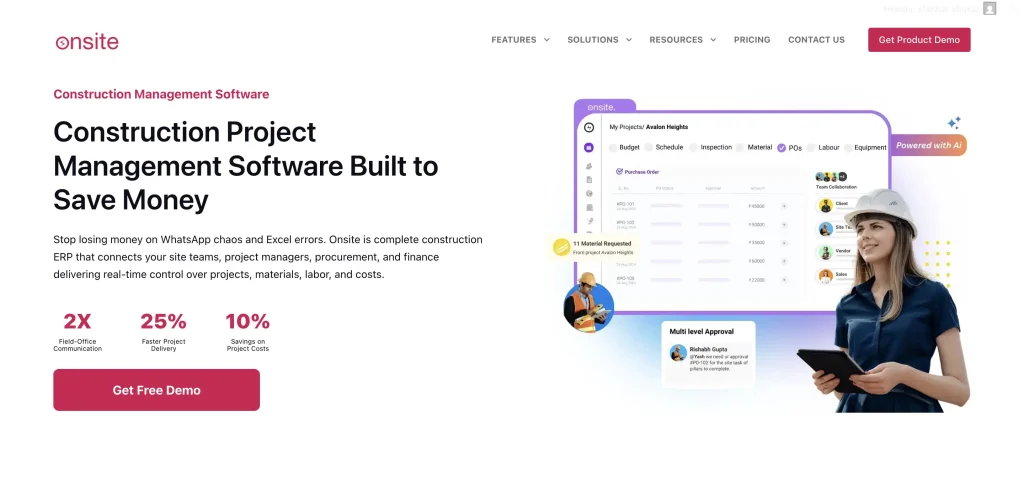
Official Website
The Onsite Teams website is: https://onsiteteams.com/
Visit the website to learn about features, pricing, and to get in touch with the team.
Web Portal — Desktop and Browser Access
To use Onsite on a desktop or laptop, open your browser and go to: https://web.onsiteteams.com/
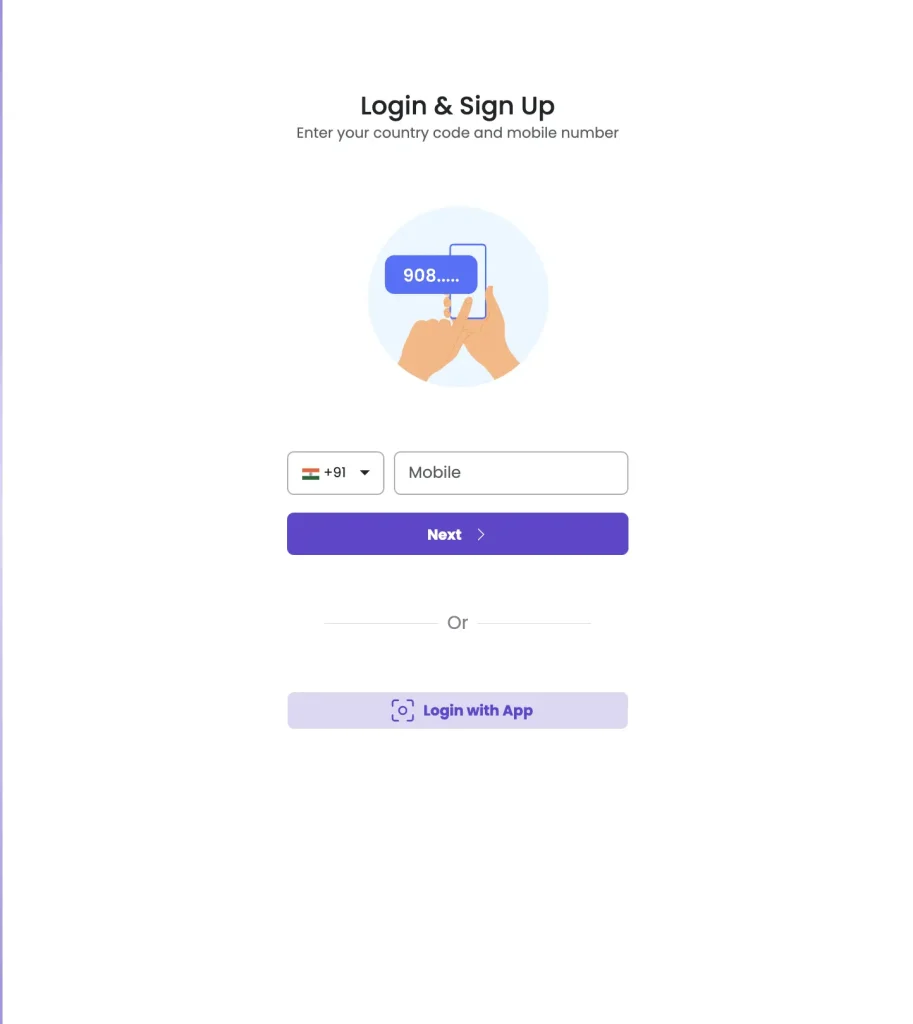
Log in using your registered mobile number and the OTP sent to it. Everything you can do in the mobile app is also available on the web portal.
Mobile App — Android
Search “Onsite Teams” on the Google Play Store, or use the direct link below:
https://play.google.com/store/apps/details?id=com.app.onsite
Mobile App — iOS (iPhone and iPad)
Search “Onsite Construction App” on the Apple App Store, or use the direct link below:
https://apps.apple.com/in/app/onsite-construction-app/id6443621595
Which Platform Should You Use?
| Platform | Best For |
|---|---|
| Mobile App | Site supervisors, field staff, day-to-day attendance and DPR |
| Web Portal | Admins, accountants, project managers — detailed data entry and reports |
| Website | Learning about Onsite, requesting demos, contacting sales |