
Construction Reporting Software: Bringing Every Site Update Into One System

Often it is commonly said that “Time is Money in the Construction Industry”, and this statement is completely true. So, have you ever wondered how much time you have been spending on manual work especially when it comes to billing and reporting? Daily progress reports, everyday material consumption, material billing, payroll, etc can take a lot more than you realize. Need a solution? Onsite Construction reporting software can save 8–12 hours per week per project by automating reports and billing processes. Let’s get to know more.
Why Reporting Becomes a Weak Link on Construction Sites?
Consistency doesn’t come with manual reporting. Each site has its own flow and its own format. Updates are exchanged in texts or emails and photos are stored in without any context. By the time managers review information, it is often incomplete or outdated. This leads to delays, unclear progress status, and conflicts. Reporting turns into an afterthought rather than a reliable management tool.
How Reporting Fits Into Daily Project Execution
A disciplined reporting flow begins on site. Using clear, set forms, engineers and supervisors keep track of daily tasks, materials, and observations. While the work is going on, photos and comments are posted, not later from recollection.
These updates get to project managers and office staff right away. Progress is next to quality and safety checks, so nothing gets put in a separate record. This information will eventually go straight into planning, billing, and compliance. Reporting is no longer an extra chore; it becomes a normal part of doing things.
Why Traditional Reporting Methods Fall Short?
Manual system can never work, not even on small projects. There are often several versions of reports. People share photos without giving any context. It takes effort to make weekly summaries, but they still leave out some things. Important information is lost when updates are late or not full.
It’s harder to compare progress and performance when teams are in charge of more than one site. Manual reporting doesn’t make things clearer; it makes them more confusing and adds more work.
How does Onsite’s Construction Reporting Software Help?
1. Real-Time Insights for Faster Decisions
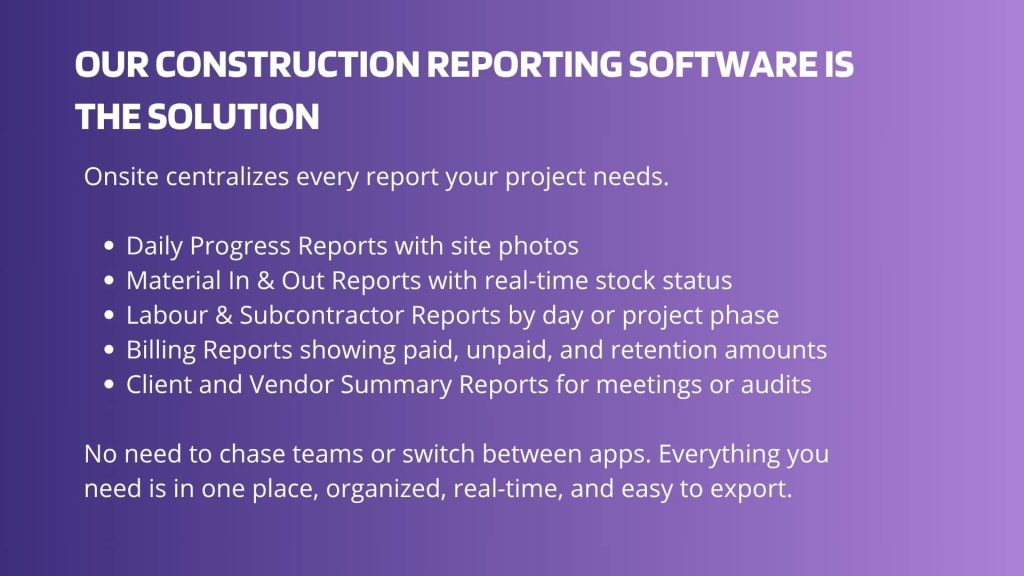
When you run your projects on Onsite, you are mentioning everyday tasks and setting up goals in it. Your material used, material sent at site, labor working hours, subcontractor progress and so on has been recorded in the software itself every day. With that data, Onsite provides reports and insights that can help you make faster decisions. You can generate these reports within 30 seconds and analyze things faster. Onsite’s construction reporting app lets supervisors record each day’s work in real time.
2. Reports for Every Stakeholder
When sharing any report be it expense report or progress reports, it can be generated just by a click and can be shared to stakeholders with the help of our construction management software. It helps in providing clarity and transparency. It clarifies down and helps in avoiding any kind of dispute.
3. Smarter Reporting, Less Manual Work
Avoid all the manual work that takes hours with our construction reporting software. Onsite automates your reporting and billing, so you don’t have to spend hours calculating, correcting errors, and making a document. Manage all of your activities and finance with Onsite so you can have focus on real work rather than stressing over numbers. A site daily report gets created automatically based on field updates and trackable events.
Manual Reporting Compared With Digital Reporting
| Area | Manual Methods | Reporting Software |
|---|---|---|
| Report availability | Delayed | Immediate |
| Photo handling | Separate folders | Linked to reports |
| Format consistency | Varies | Standardised |
| Search and traceability | Limited | Strong |
| Audit support | Weak | Reliable |
Conclusion
If you are someone who is looking for a construction reporting software, then Onsite is the option for you. With Onsite, you bring clarity and control to every corner of your construction business. All your reports can be saved and generated at one platform with real-time insights. No more guesswork. Stop juggling paper and spreadsheets. With Onsite’s construction reporting app and integrated daily report tools, every field update, log, and progress note lives in one organized system.
Want to manage your reporting effortlessly?
FAQs
1. What is a construction reporting app used for?
A construction reporting app helps field teams record daily progress, site conditions, and work status and keeps all daily reports organized in one place.
2. How does construction report software simplify site updates?
Construction report software lets supervisors and crews capture and share daily activity reports so updates are timely and accessible without manual paperwork.
3. Can a construction daily report app replace paper forms?
Yes. A construction daily report app works on mobile devices so crews can log work, notes, and photos directly from the field, reducing reliance on paper or spreadsheets.
4. What are the benefits of using a construction daily log app?
A construction daily log app centralizes your daily logs, making it easier to track what happened each day, keep accurate records, and review past progress when needed.
5. Does construction tracking software help with reporting?
Yes. Construction tracking software supports recording task progress, site updates, and reporting trends, helping teams compare actual site activity with plans.
6. Why is daily reporting important for construction projects?
Daily reporting ensures visibility into site conditions, work done, and issues encountered, which supports better decision-making and project oversight.
7. Can a daily report software capture time and activity details?
Yes. Daily report software often includes fields for time, labor input, and activity details so reports reflect who did what and when on site.
8. Is construction project tracking software part of construction reporting?
Construction project tracking software complements reporting tools by linking daily reports with overall project progress and performance metrics.
9. How are daily report templates used in construction reporting software?
Daily report templates provide a consistent format for field teams to enter work details, photos, issues, and time, speeding up the reporting process.
10. What does a site daily report typically include?
A site daily report typically includes logged activities, work status, crew presence, issues, delay notes, and time tracking, giving a complete snapshot of the day.
